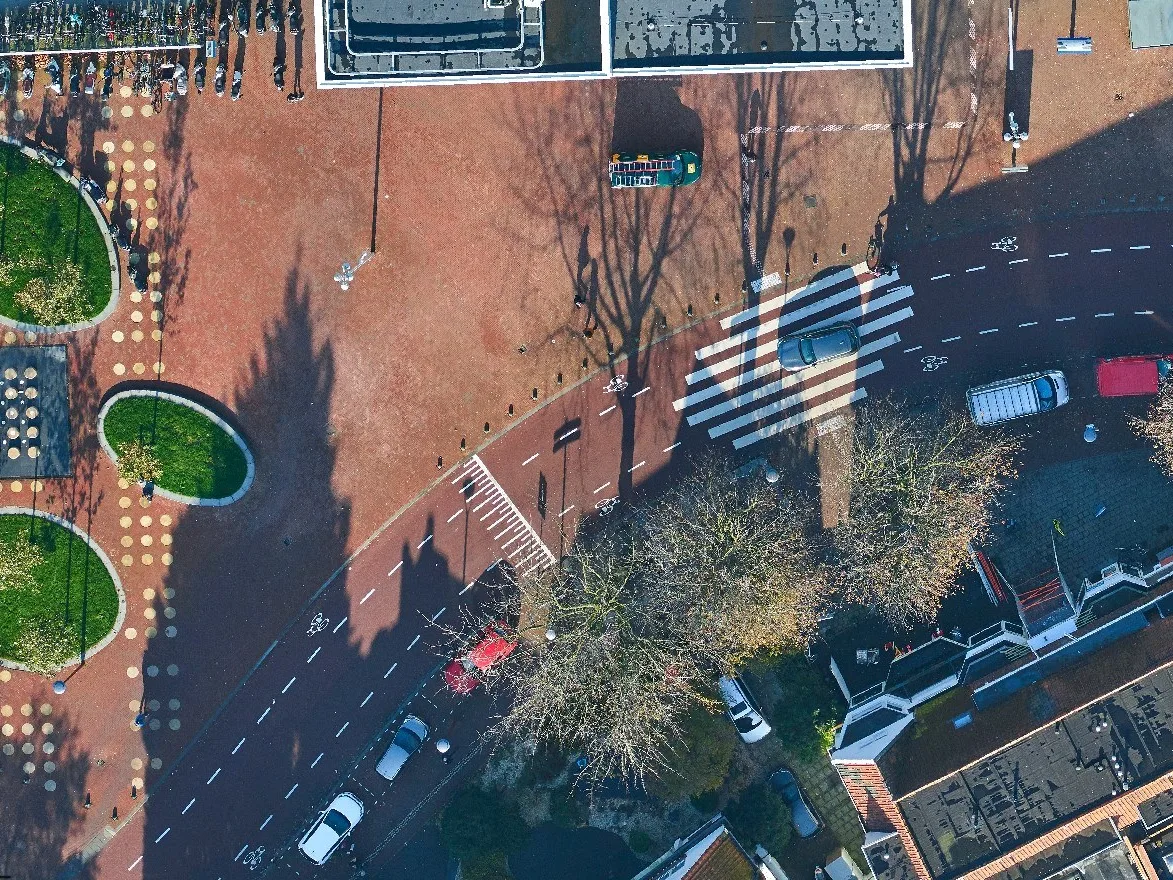
Faster mapping through stereoscopic vision
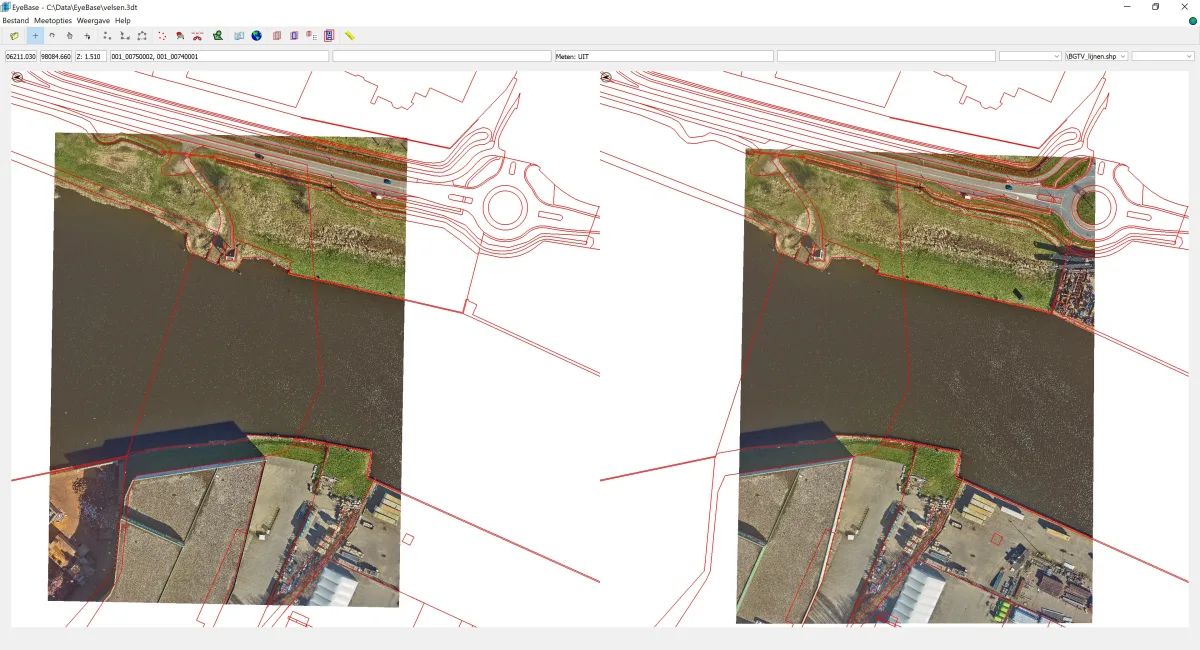
Stereo mapping combines two overlapping aerial photographs into a stereoscopic 3D view. This makes height differences and spatial features directly visible. Terrain breaklines, roof edges and other features that are difficult to interpret in individual photographs become much easier to recognise and measure.
This also makes stereo mapping highly efficient. An experienced operator can measure points and lines at speed, without constantly switching between different images. When good nadir aerial photographs with known exterior orientation are available, stereo mapping is a fast and cost-effective way to capture and update topographic data.
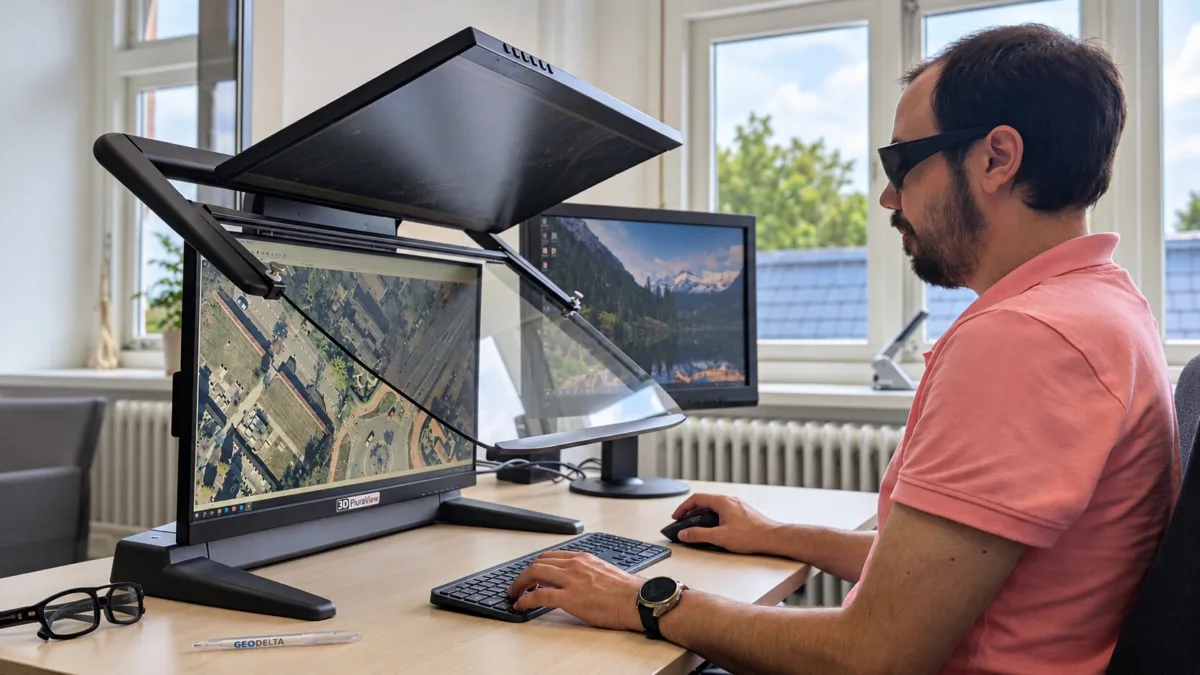
Stereo mapping without complicated controls
EyeBase is designed for one task: mapping from overlapping aerial photographs. The interface is straightforward and the workflow is largely predefined. No unnecessary functions or complicated settings, just the tools needed for fast and accurate mapping.
Getting started is straightforward too. Anyone with some GIS experience who can perceive stereoscopic 3D can generally begin working with EyeBase after one day of training. A suitable stereo display and a standard mouse are sufficient. No specialised 3D mouse is required, keeping the hardware investment modest.
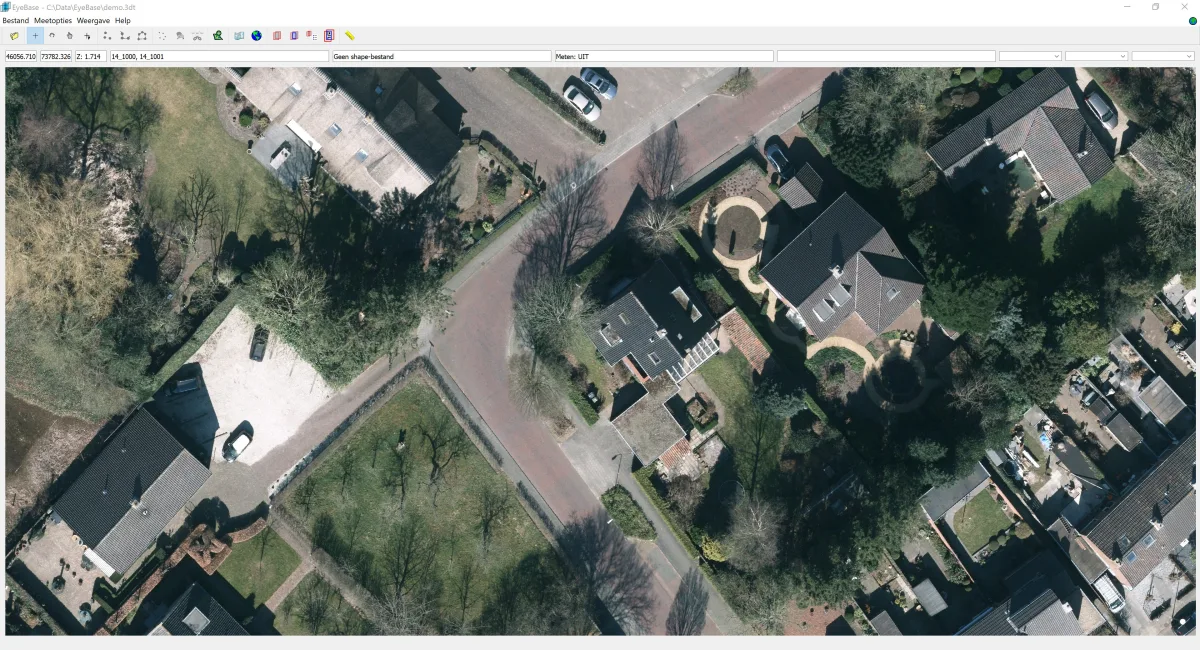
Measurements directly into your mapping software
Capturing geometry is only part of maintaining topographic data. Exchanging separate files or manually transferring geometry takes time and increases the risk of errors.
EyeBase offers direct integrations with supported CAD and mapping applications. Where such an integration is available, measurements made in the stereoscopic view become directly available in the familiar editing environment. This allows stereo mapping to fit into existing workflows without unnecessary intermediate steps.



Stereo workstations and personal support from one supplier
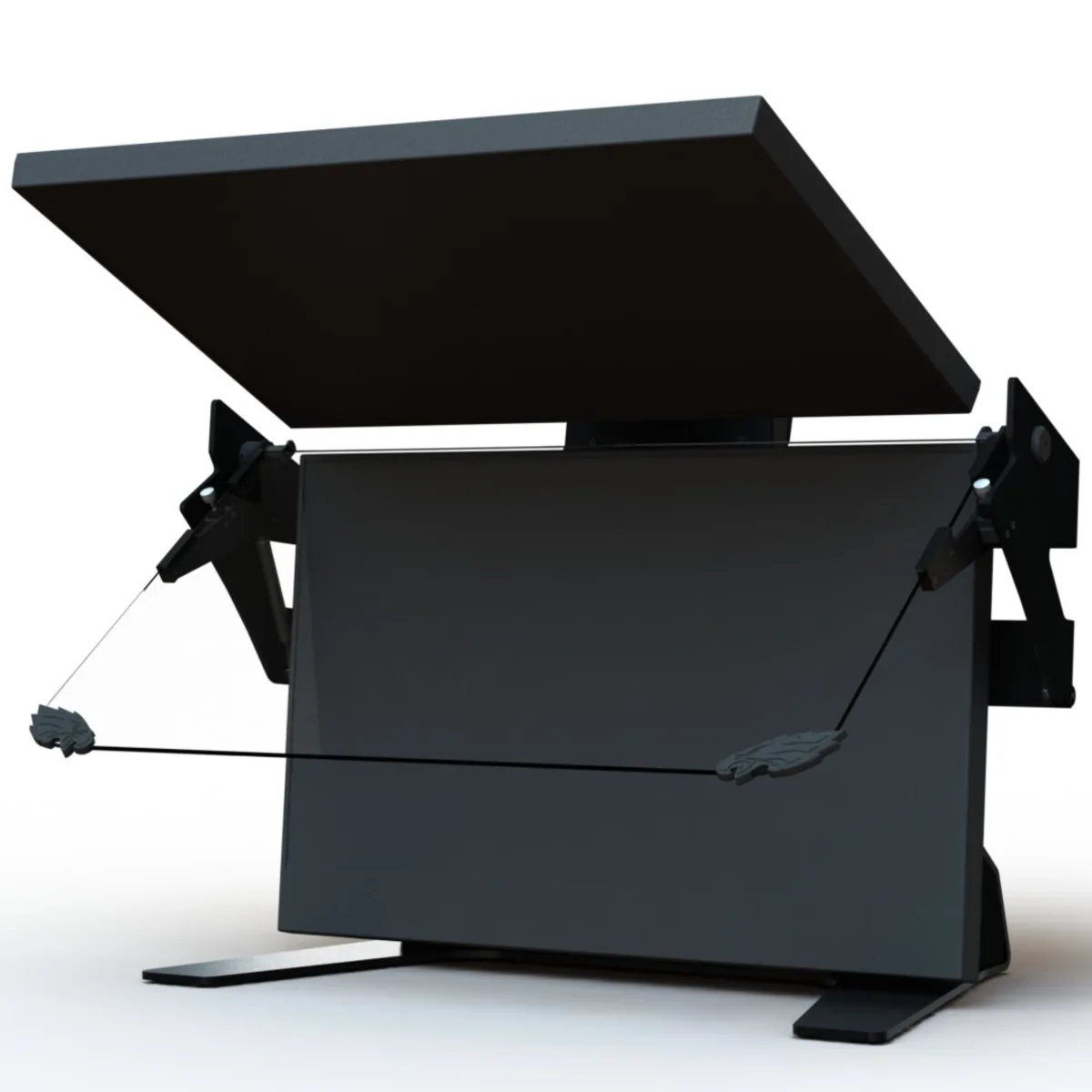
EyeBase requires a suitable stereo display. Geodelta supplies stereo displays from VRLOGIC and Schneider Digital and can advise on the configuration of a complete stereo workstation. This gives you a single point of contact for software, hardware and support.
You can also contact us directly after installation. We provide training and personal, English-language support from our own staff, who know both EyeBase and the mapping process. We can also assist international users remotely.
Functionality at a glance
- Create stereo models from overlapping nadir aerial photographs with known exterior orientation
- Measure geometry and display existing mapped features in the stereoscopic 3D view
- Record feature attributes within supported mapping workflows
- Navigate to locations using map coordinates
- Export stereo views as anaglyph images for reports
Experience EyeBase for yourself
Already using stereo mapping, or considering adopting it? We would be happy to demonstrate how EyeBase works, discuss the available software integrations and advise you on the hardware needed for a complete stereo workstation.