
Keeping topographic data up to date
Municipalities must record changes in the physical environment in their topographic registrations. Aerial photographs, panoramic imagery, drone data and point clouds can do much more than simply show what has changed on the ground.
With Omnibase, staff can measure and check geometry using these data sources. Drone data can also be processed easily. Through integrations with GIS-software, the results can be used directly in the existing maintenance workflow. Imagery is no longer just something to look at, but a source of information for updating key registers. All within one continuous workflow.
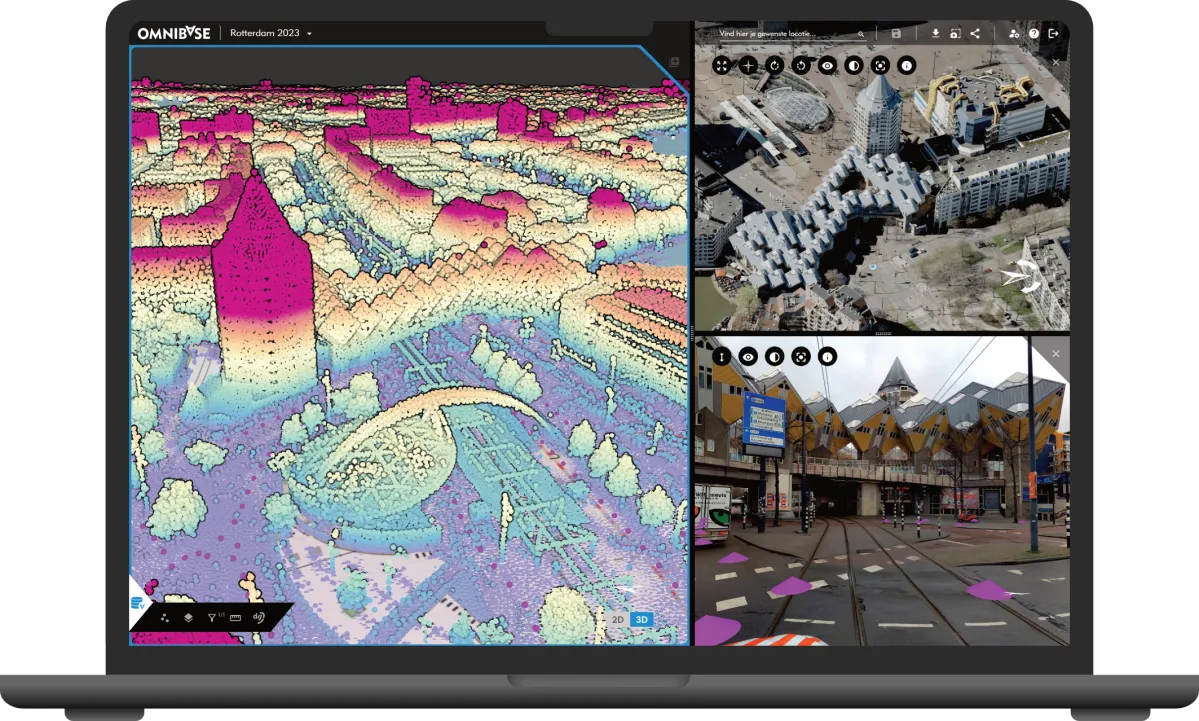
Imagery and 3D data at your fingertips
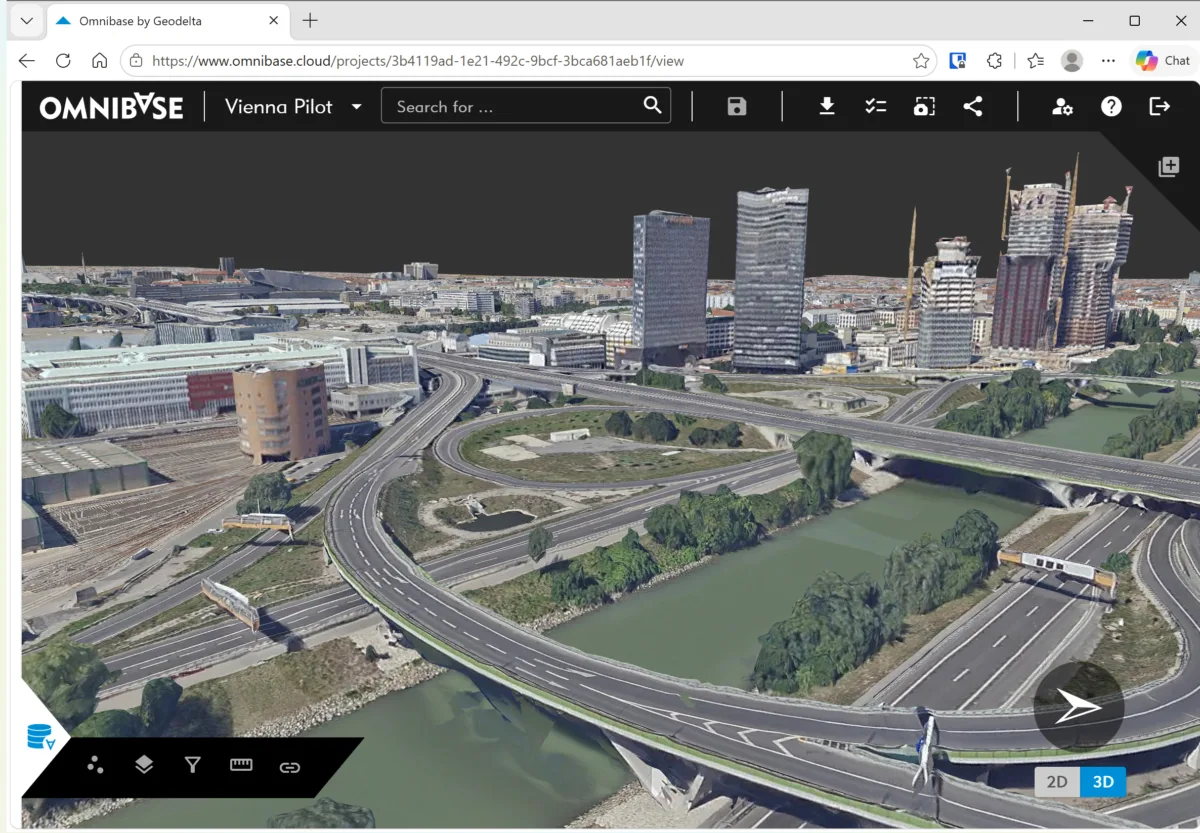
Omnibase provides direct access to a wide range of imagery and 3D data.
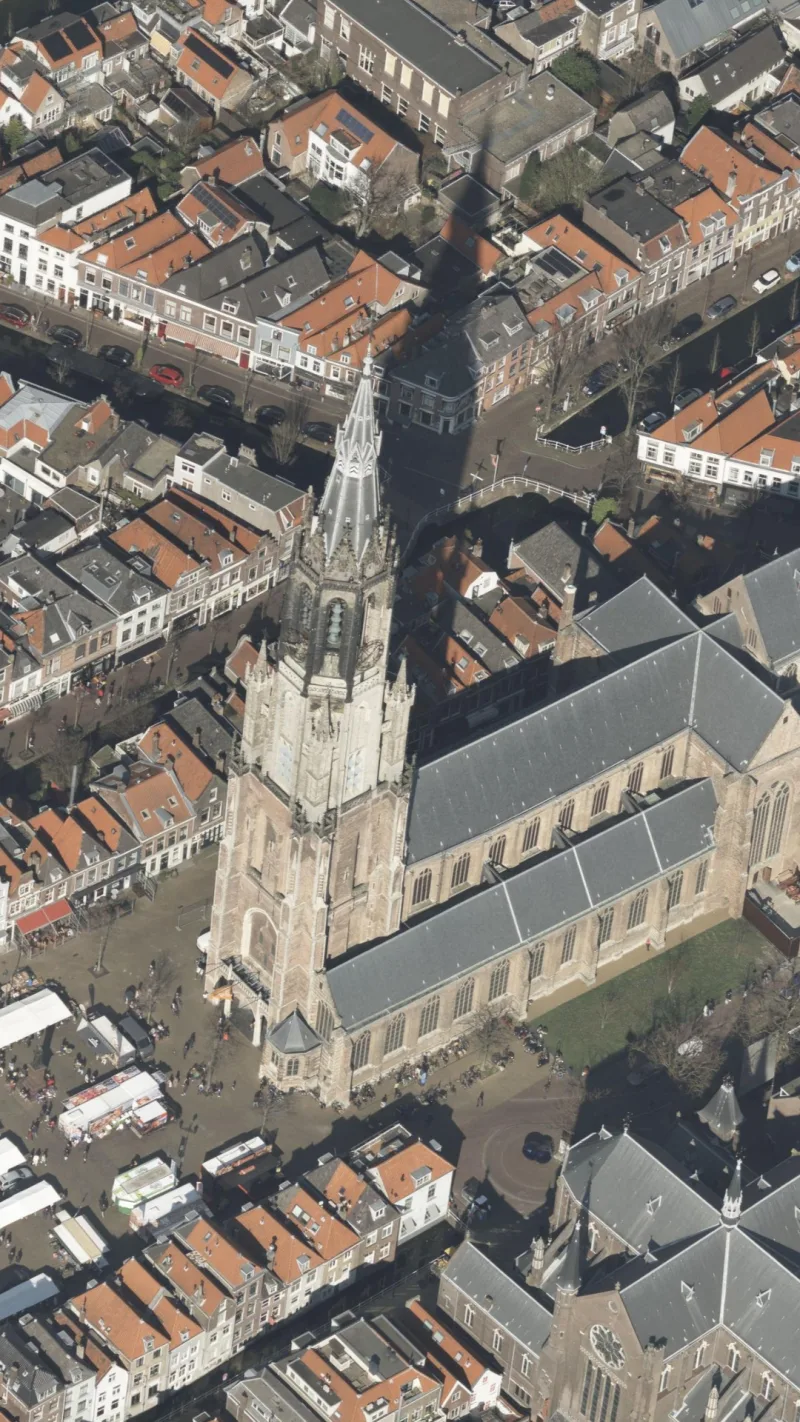
Oblique photos
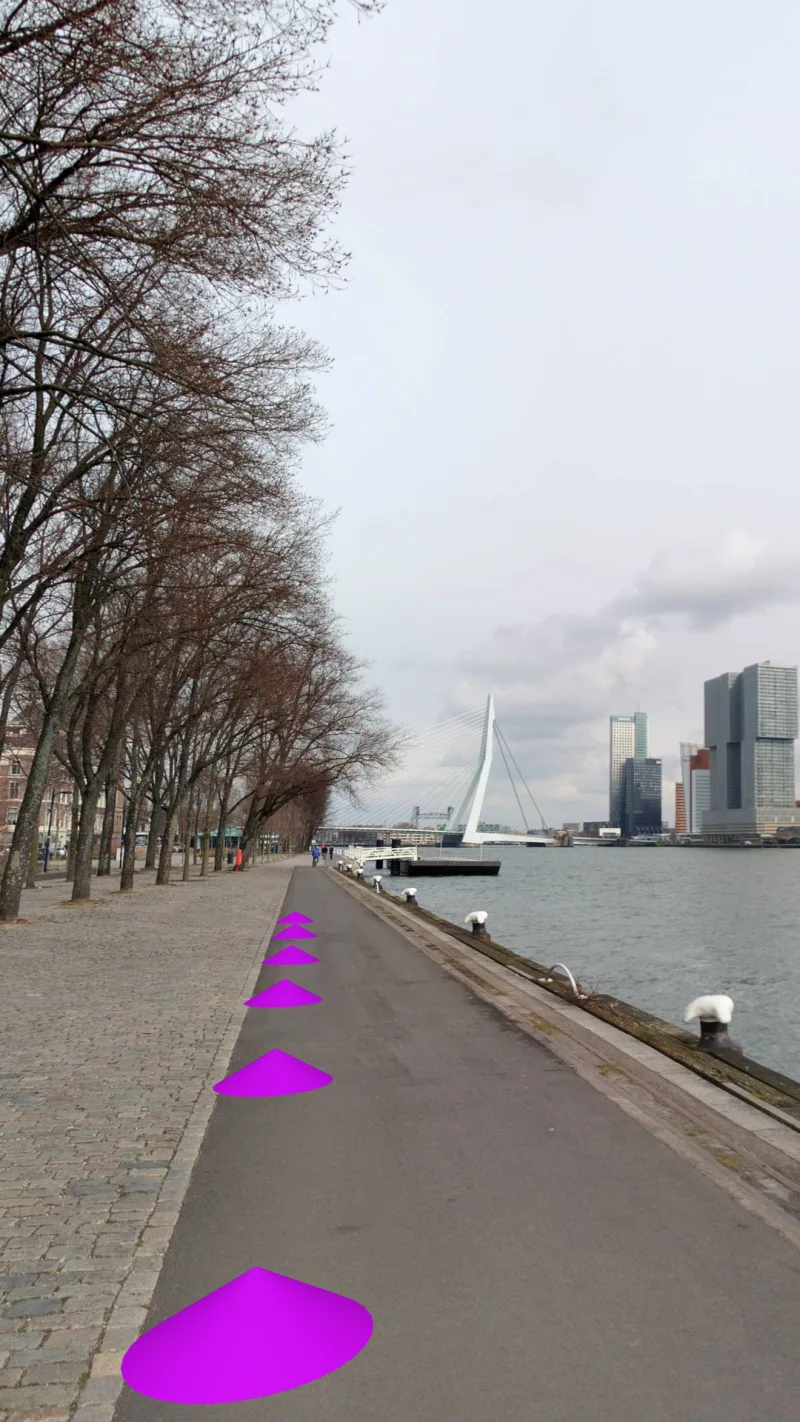
Panoramic images
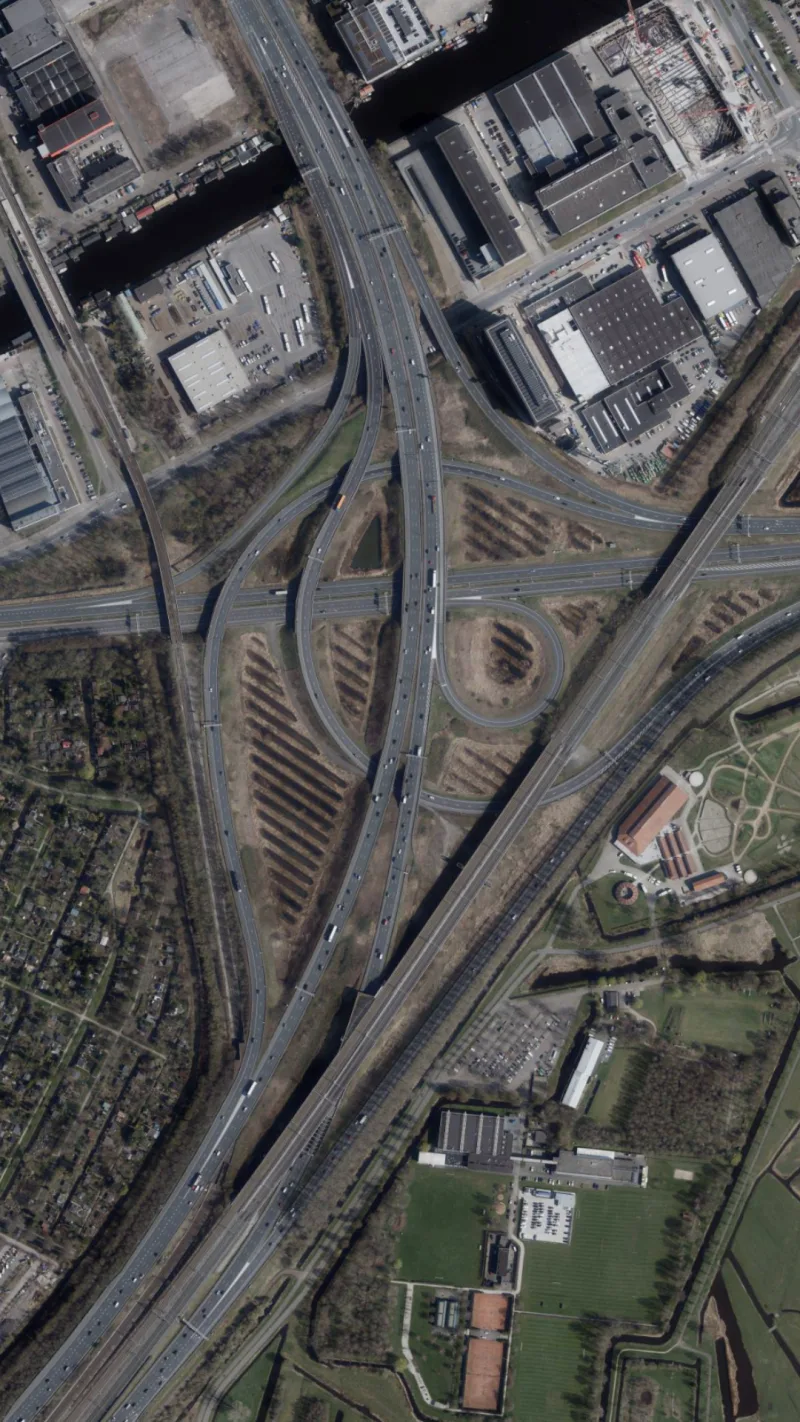
Nadir photos
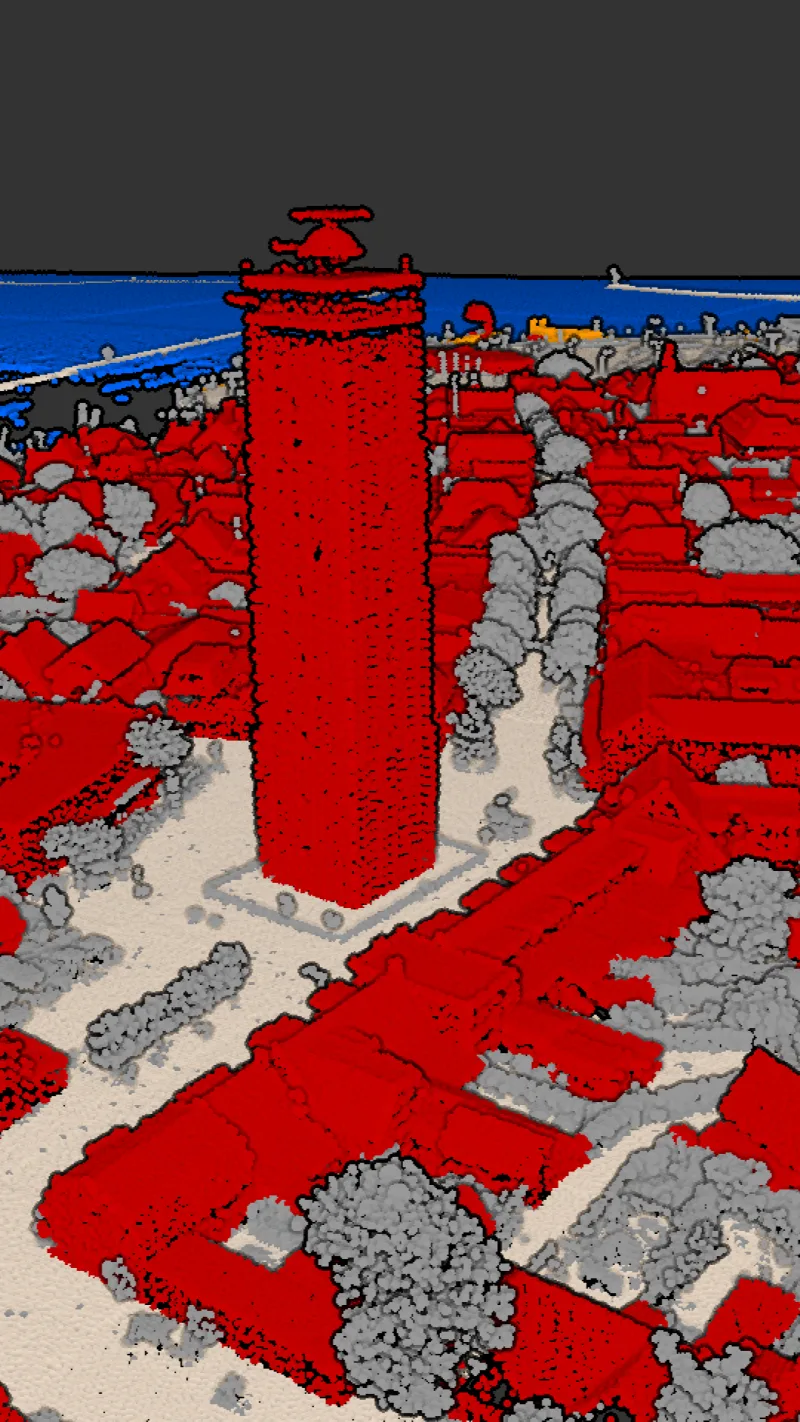
Point clouds
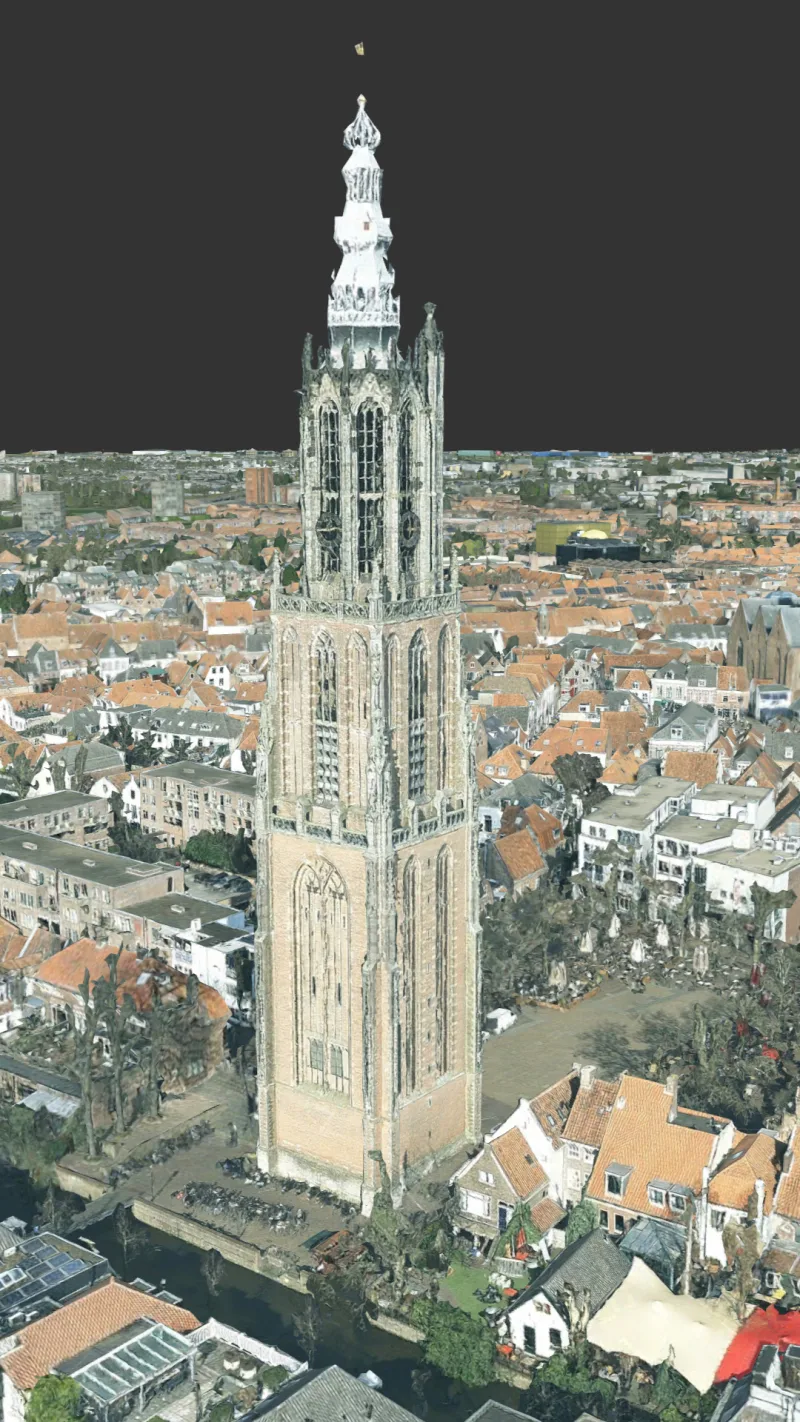
3D meshes
Choose where your imagery comes from
With many providers, imagery and the accompanying viewer are closely tied together. Switching to another imagery supplier often means introducing different software or losing easy access to previously acquired imagery.
Omnibase is independent of the imagery supplier. You decide where your imagery comes from and can use data from different suppliers in the same environment, without having to change your workflows whenever you switch suppliers.
You can also build up your own historical imagery archive and keep earlier acquisitions available, subject to the applicable usage rights. This ensures that valuable information remains accessible, even when you change suppliers.
From drone flight to updated geo-data
Aerial photographs are generally acquired only once a year. But what if your organisation needs to record a change sooner? That is where a drone can help.
Omnibase integrates drone imagery into the same maintenance workflow as professionally acquired aerial photographs. The imagery is processed photogrammetrically, using our own adjustment engine behind the scenes to calculate the geometry and check its quality. This allows municipalities to use their own drone imagery to survey changes and update their key registers.
Insight into precision and measurement quality
Omnibase was developed by geodesists for users who set high standards for the quality of their data. Your geo-data must meet requirements, but the acquired geometry should also be suitable for a wider range of applications. Measurements made with Omnibase come with a full quality description, making them suitable for the most demanding applications.
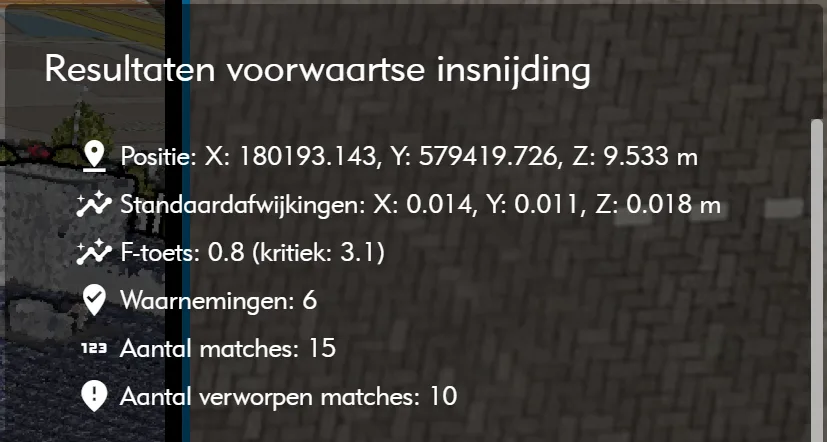
For photogrammetric measurements, you can review the adjustment results before accepting a measurement. The acquisition method and achieved precision are passed on as metadata associated with the coordinates, provided the BGT management software supports this. Omnibase also allows users to perform basic quality checks themselves.
Direct integrations with GIS software
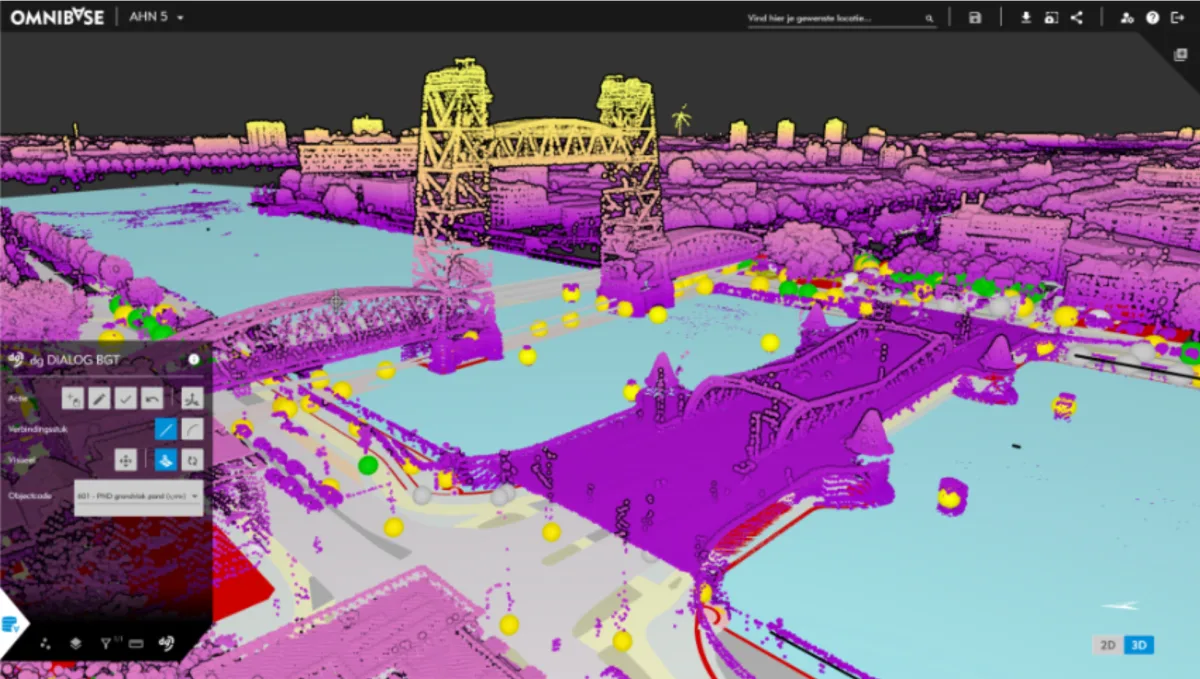
Omnibase integrates directly with various GIS systems. Measurements become immediately available in the familiar management environment, where staff can update the geometry of objects. From that environment, they can also open the associated panoramic imagery, oblique photographs and point clouds.
For management systems without a direct integration, Omnibase provides import and export options.
The AHN always at hand
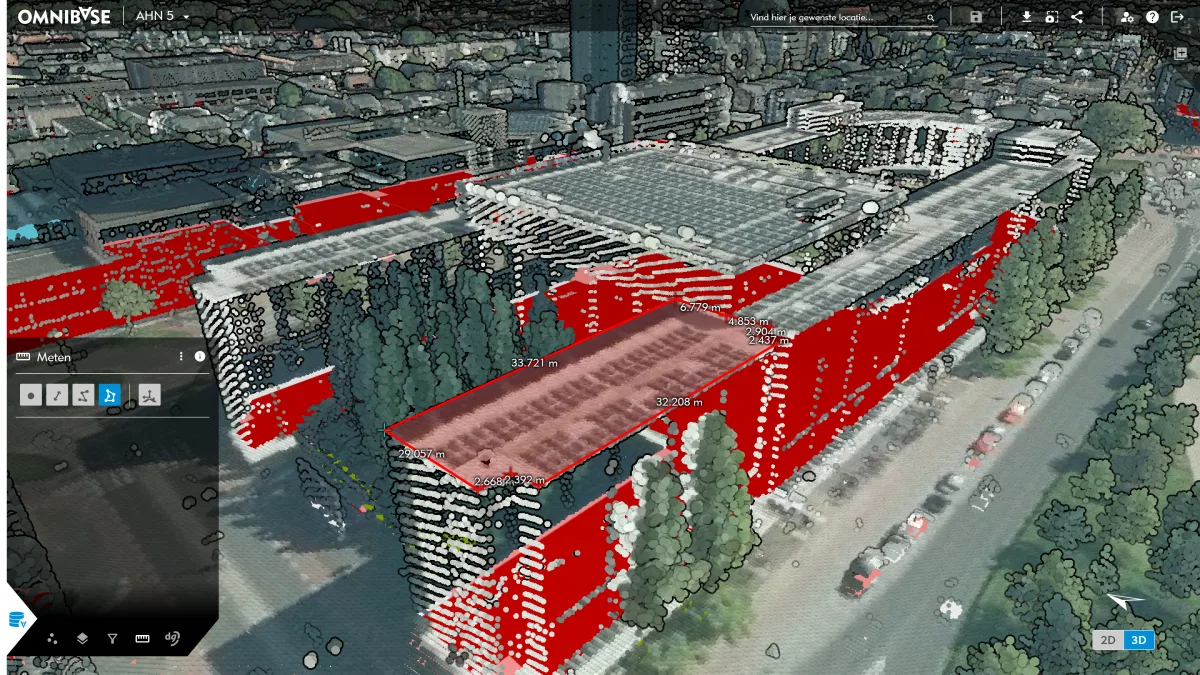
The Dutch Actueel Hoogtebestand Nederland (AHN) contains nationwide elevation data acquired using airborne laser scanning. The resulting point clouds are enormous, but directly accessible in Omnibase. Both AHN4 and AHN5 can be viewed alongside other imagery and 3D data.
Point clouds can be displayed by elevation, intensity and classification. Geodelta has also added colour information, making objects and terrain features easier to recognise. This means the AHN can be used not only for visualisation, but also for measurements and analysis.
For other countries equivalent datasets can be uploaded by the user, or added by Geodelta on request.
Measure across data sources
Every data source has its own strengths. In Omnibase, you can combine oblique images, nadir images, panoramic imagery and point clouds within a single measurement. For example, you can start measuring in a point cloud and complete the measurement in a panoramic image.
The measurement tool for oblique imagery allows you to update geometry quickly. Split-screen views let you display multiple data sources side by side and assess an object from different perspectives.
One viewer for the entire organisation
The same imagery used to update key registers is also valuable for other activities. Examples include public space management, spatial planning and permitting. Staff can inspect locations, compare situations from different years and consult 3D information.
Omnibase can therefore also serve as a municipality-wide viewer. This makes existing imagery accessible to more staff and allows the municipality to get more value from data it has already commissioned or purchased.
Start exploring 3D maping today
More and more organisations want to capture and maintain their geoinformation not only in 2D, but also in 3D. With Omnibase, you can already measure geometry in 3D, combine different 3D data sources and experiment with new forms of registration and maintenance. This allows you to start on a small scale, gain experience and develop workflows for a future 3D topographic registration. Meanwhile, regular maintenance of the existing registers continues as normal.
Functionality at a glance
- Measurements in point clouds, cross-sections, nadir and oblique imagery, and panoramic images
- Point cloud visualisation by colour, intensity, classification and elevation
- Third party maps as reference layers
- Direct integrations with GIS software
- Import and export of GIS and CAD formats
- Management interface for uploading your own data
- Cloud hosting in Europe
Omnibase for your organisation?
Would you like to find out how Omnibase fits into your existing maintenance workflow and what else it can offer your organisation? We would be happy to show you.